PRIVACY TOOLS
Cover what should stay private.
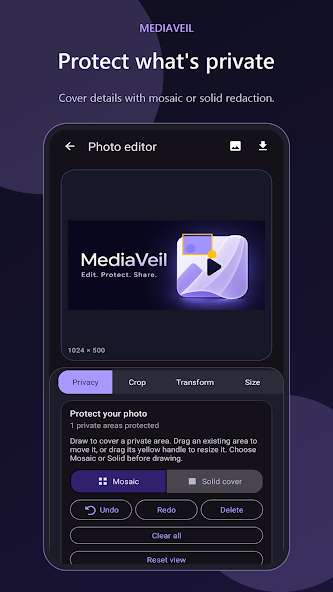
Draw mosaic or solid overlays over names, addresses, faces, screens, documents, and any detail that is not meant to travel.
A quiet, private workspace to prepare photos and videos before they leave your device. Hide sensitive details, make the edits you need, and export a fresh copy.
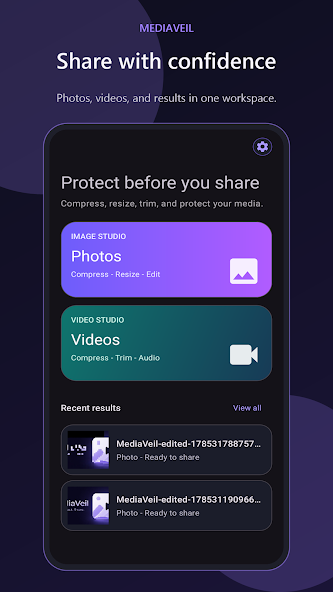
Built for the moment before you share.
Protection without the noise
Make focused edits in one calm workspace, without changing the file you started with.
PRIVACY TOOLS
Draw mosaic or solid overlays over names, addresses, faces, screens, documents, and any detail that is not meant to travel.
PHOTO STUDIO
Crop, resize, transform, and protect a photo in one focused editing flow.
VIDEO STUDIO
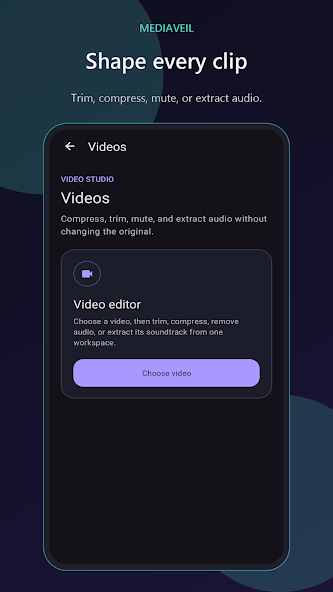
Trim, compress, mute, or extract audio while keeping the original video unchanged.
CLEAN EXPORT
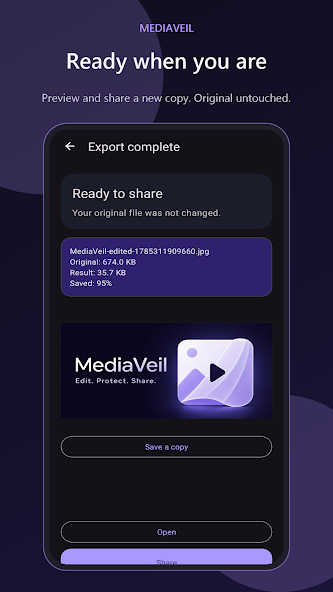
Photo exports are newly generated, so unnecessary metadata does not follow the final result.
A simple, private flow
MediaVeil keeps each step clear, so you can focus on what needs protecting.
Open a photo or video and decide what needs to change.
Cover sensitive details, then crop, resize, trim, compress, or adjust audio.
Preview the result and save a new file. Your original remains untouched.
Inside MediaVeil
Move from a private edit to a share-ready result without leaving the workspace.
YOUR WORKSPACE
Choose a photo or video, or return to a recent result when you are ready to share.
Ready when you are
Prepare photos and videos with confidence, then export a fresh copy that is ready to leave your device.
GET IT ONGoogle Play